What Are Customer Service Videos & How They Help Retain Customers
Customer retention is one of the biggest growth levers for SaaS and digital products. About 24% of businesses use customer service videos as part of their overall video strategy, showing how common this format has become for supporting users. Yet many users churn not because the product is bad, but because they get stuck, feel confused, or fail to reach value quickly.
What are Customer Service Videos?
Customer service videos are short, focused visual guides designed to help users complete tasks, resolve issues, and get more value from your product. Unlike generic tutorial videos, they are purpose-built for specific moments in the customer journey—onboarding, troubleshooting, feature adoption, and renewal.
These videos can appear inside your product as in-app guidance, in your help center as searchable content, or delivered proactively via email and in-app messages when users hit common friction points. If you're thinking about where to start, the first 5 SaaS videos every help center needs is a practical guide to prioritizing what to build first.
Customer retention starts with the support experience
Customer support isn't just a reactive function anymore—it's a core part of the customer experience. Every time a user hits a roadblock, asks a question, or struggles to complete a task, they're silently deciding whether your product feels easy or frustrating. These micro-moments add up.
When users repeatedly face friction without quick, clear help, frustration builds. Over time, that frustration turns into disengagement and, eventually, churn. On the flip side, when support feels intuitive and empowering, users gain confidence. They're more likely to explore features, adopt workflows, and continue using the product as part of their daily routine.
Customer service videos help shift support from being purely reactive to proactive and experience-driven. Instead of waiting for users to submit tickets, you give them visual guidance at the exact moments they need it most.
How do Customer Service Videos reduce churn?
Customer service videos don't just answer questions—they actively prevent churn by improving how users experience your product. Here's how:
- Faster onboarding and time-to-value: Early-stage friction is one of the biggest causes of churn. When new users can watch short, task-based videos to complete key actions, they reach their first "aha moment" faster. The quicker users experience real value, the more likely they are to stick around. How video training in customer education reduces time-to-value goes deeper into why this matters at each stage.
- Less confusion at critical moments: Text instructions can be misinterpreted, skipped, or misunderstood. Videos remove ambiguity by showing users exactly what to click and what to expect. This clarity reduces the frustration that often leads users to abandon a product.
- Better feature discovery and adoption: Many users churn not because the core product fails them, but because they never discover or adopt its most valuable features. Customer service videos can highlight how to use specific features in real workflows, helping users get more value over time and increasing product stickiness.
- Higher confidence and trust: When users feel supported, they're more confident using your product independently. Visual guidance builds trust—users feel that your brand understands their problems and is actively helping them succeed. This emotional reassurance plays a big role in long-term retention.
Customer Service Videos across the customer lifecycle
To maximize retention, customer service videos should be mapped to different stages of the customer journey:
- Onboarding: Quick-start and setup videos help new users get oriented without overwhelm. This reduces early churn and sets the foundation for long-term engagement. Use of videos in SaaS customer onboarding covers this stage in full detail.
- Activation: Task-focused videos guide users to complete their first meaningful actions—like creating their first project, publishing content, or inviting teammates. These early wins increase the likelihood of continued usage.
- Adoption: As users grow more comfortable, feature-specific videos help them explore advanced workflows and use more of the product's capabilities, deepening engagement.
- Problem moments: When users encounter issues, short troubleshooting videos help them self-resolve quickly. Faster resolution means less frustration and fewer reasons to disengage.
- Expansion and renewal: Ongoing product update videos and "how to get more value" walkthroughs remind existing users why your product matters, reinforcing continued usage and renewal decisions.
High-Impact Use Cases for Customer Service Videos
Here are the most effective ways to deploy customer service videos for retention:
- In-app contextual help: Show a short video when users pause or hesitate on a complex step.
- Onboarding video checklists: Pair videos with onboarding tasks to guide users step by step.
- Post-support follow-ups: Share a short recap video after resolving a complex issue to reinforce understanding.
- Feature release explainers: Help existing users adopt new features quickly instead of ignoring updates.
- Proactive value reminders: Short videos that show "one more way to get value" from the product can re-engage dormant users.
Measuring the retention impact of Customer Service Videos
To understand whether your videos are actually helping retain customers, track retention-focused metrics rather than just support activity:
- Churn rate — compare before and after introducing videos
- Onboarding completion rate — are users finishing key setup steps?
- Time-to-first-value — how quickly do users reach their first meaningful outcome?
- Feature adoption rate — are users discovering and using key capabilities?
- Customer satisfaction — after users engage with videos
- Repeat issues per user — indicating whether videos reduce recurring friction
These signals help you identify which videos are contributing to long-term engagement and which areas of the journey need more visual support.
Choosing the right tools for Customer Service Videos
Creating effective customer service videos isn’t just about recording tutorials—it’s about reducing friction, speeding up time-to-value, and preventing churn. The right tools help you turn support moments into learning moments through video tutorials, a searchable video knowledge base, and scalable formats like AI voice over and AI avatars.
Different platforms support customer service videos in different ways. Some are built for contextual product walkthroughs and in-app guidance, while others focus on quick recordings or highly polished tutorials. Here’s a practical comparison of popular tools from a churn-reduction perspective:
1. WowTo
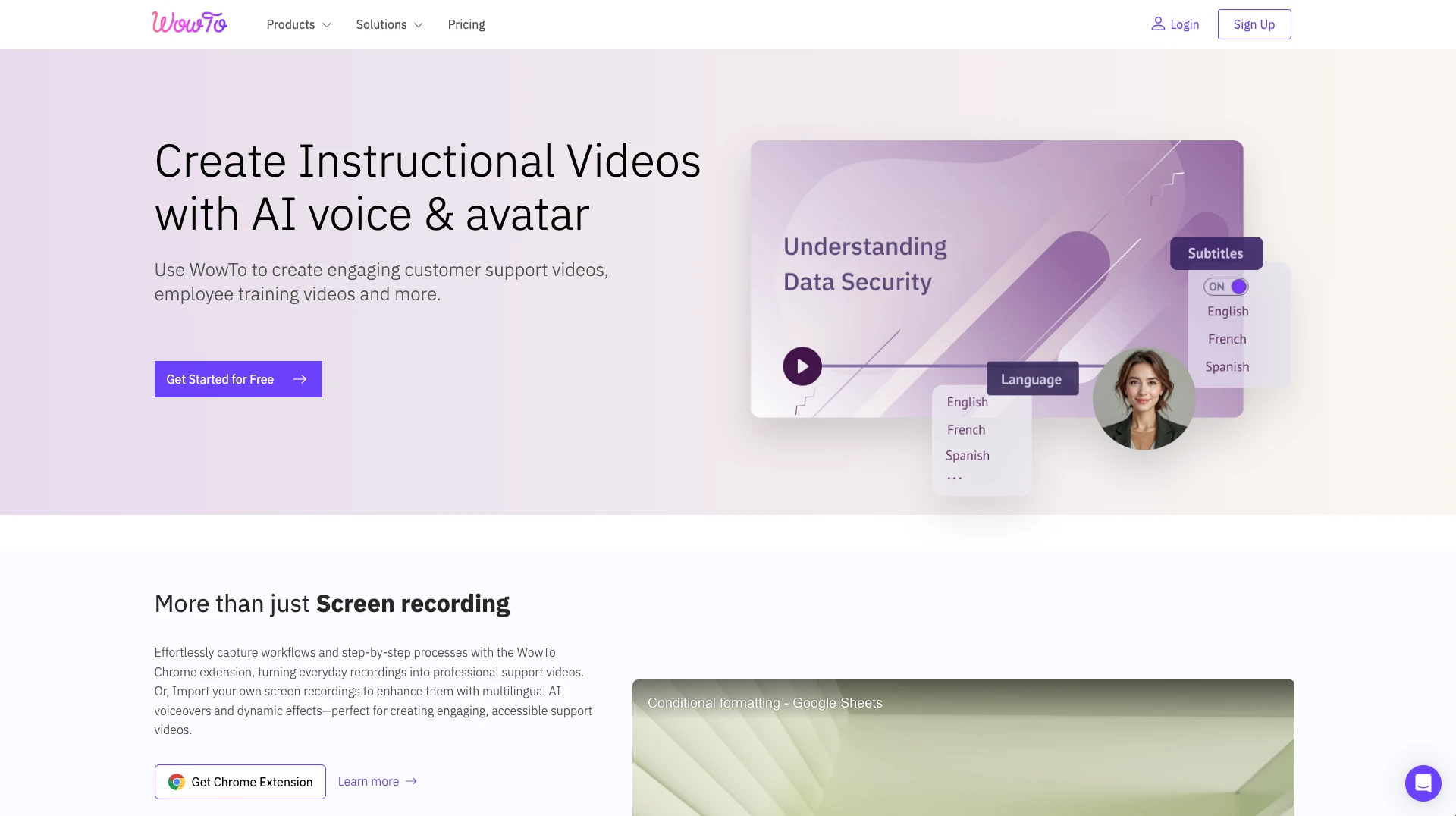
WowTo is purpose-built for creating guided, step-by-step customer service videos that fit naturally into onboarding flows, help centers, and in-app guidance. It’s ideal for teams building a video knowledge base that customers can self-serve whenever they’re stuck.
With features like a Chrome extension, screen capture, screen recording, annotations, callouts, and AI voices, WowTo helps you create clear video tutorials that walk users through real workflows inside your product. This reduces confusion at critical moments and helps users reach value faster — one of the biggest levers for lowering churn. Customer success teams use WowTo to create instructional videos fast, without any design help — which is exactly the kind of speed retention work demands.
Because videos can be easily updated and organized into a structured knowledge base, WowTo works well for fast-moving SaaS products where features change often. The easier it is for users to find the right video at the right time, the less likely they are to abandon your product out of frustration.
Pricing: Free plan available with 3 video projects, basic text-to-speech, subtitle generation, and a hosted knowledge base. Paid plans start at $25/month.
2. Loom
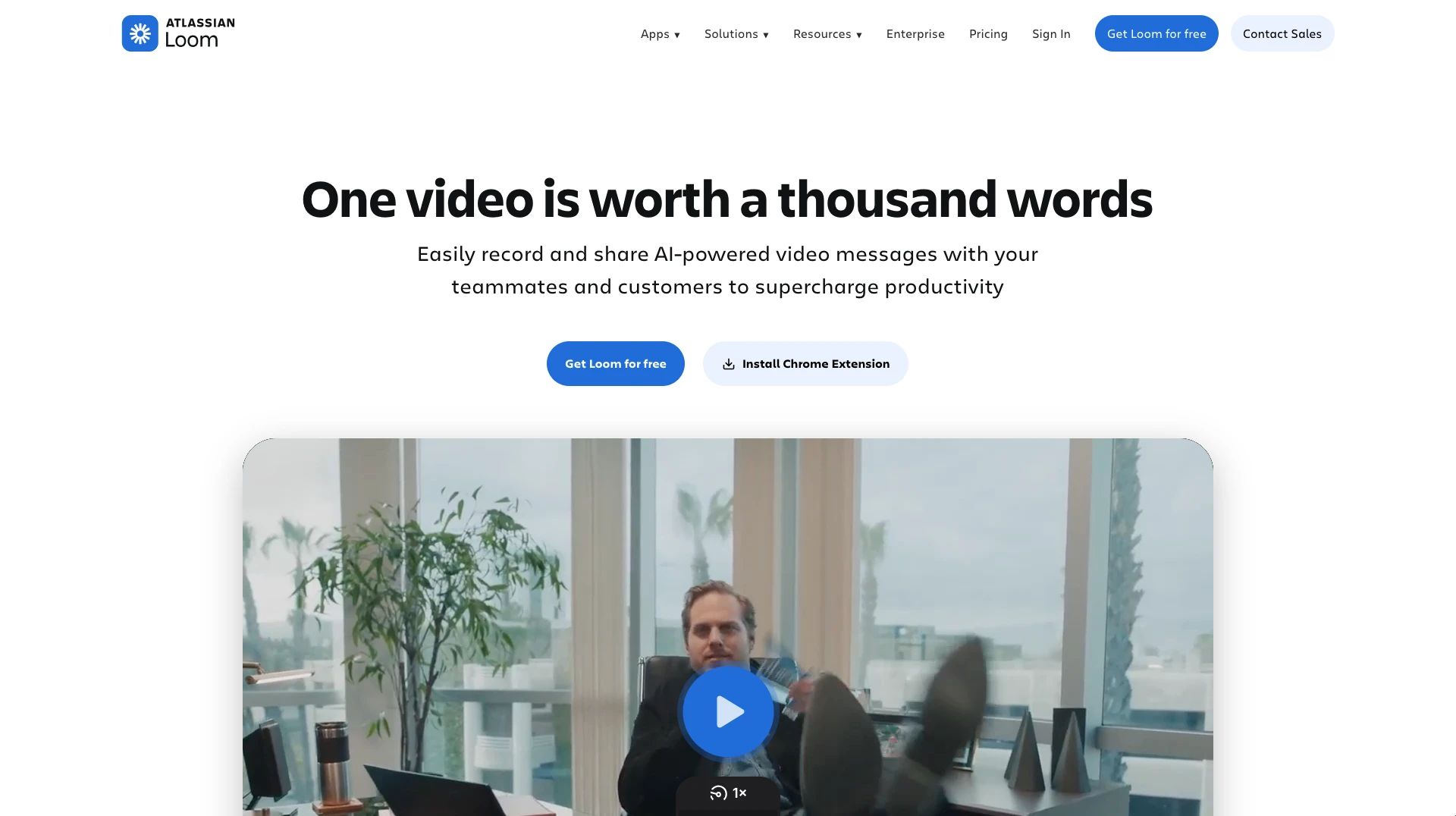
Loom is great for quick, one-off video replies and ad-hoc customer support. Support teams often use it to record fast explanations for individual users. While Loom is helpful for personal communication, it’s less suited for building a scalable video knowledge base or structured library of customer service videos. This makes it harder to proactively reduce churn across your entire user base, since videos remain isolated rather than reusable across onboarding, activation, and feature adoption journeys.
Pricing: Free plan available. Paid plans start at $15/user/month.
3. Camtasia
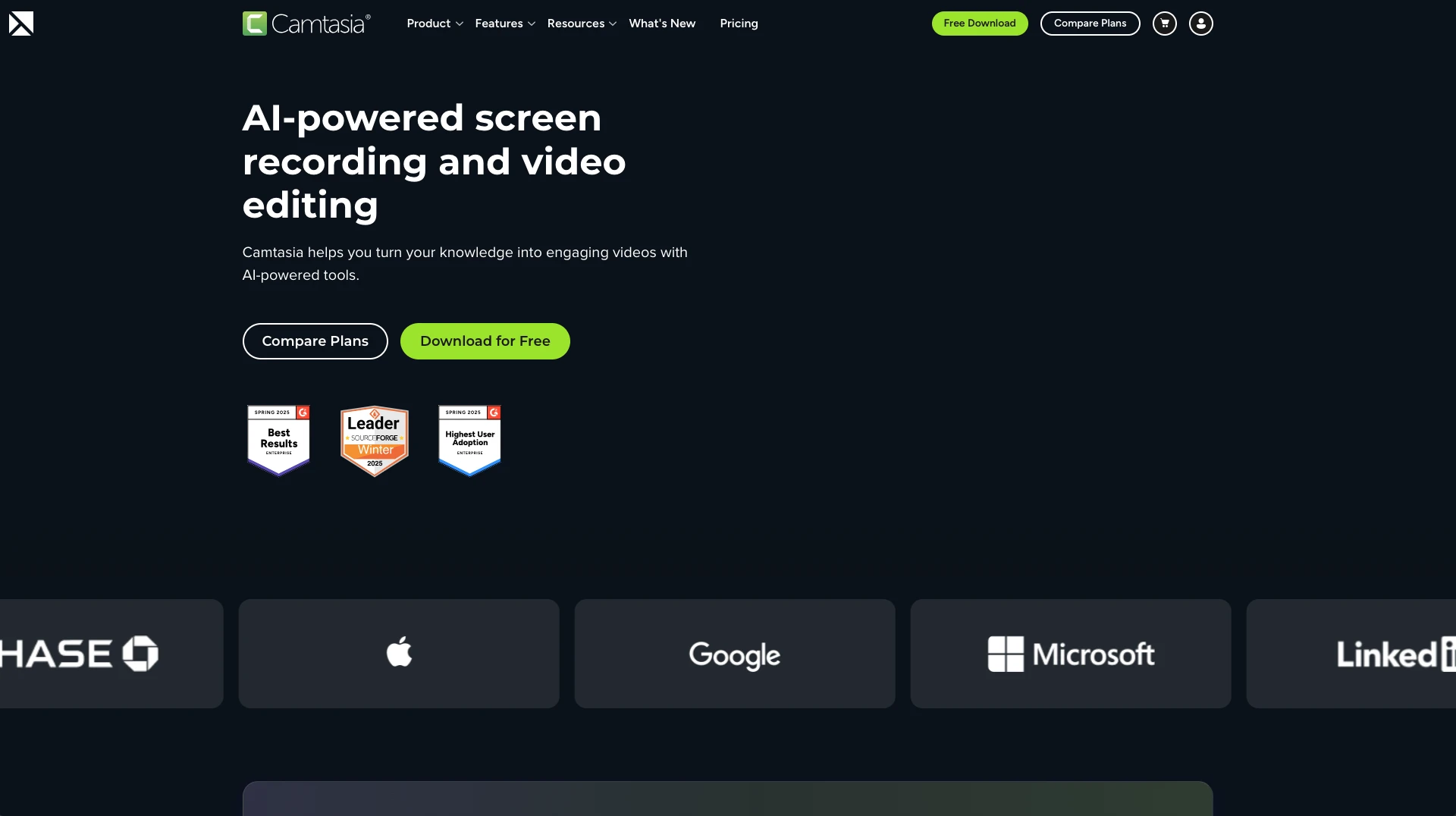
Camtasia is a video editing tool for creating tutorials and training content. It’s useful when you need professional-looking videos with detailed editing, animations, and transitions. However, Camtasia’s strength in production quality comes with higher time and effort costs. For churn reduction, speed matters—support teams often need to create and update video tutorials quickly as product flows change. The heavier editing workflow can slow down how fast you respond to user friction, which limits its effectiveness for ongoing, in-the-moment customer support.
Pricing: A free plan is available. Paid plans start at $179.88/year. One-time perpetual license available at $299.99.
4. Synthesia
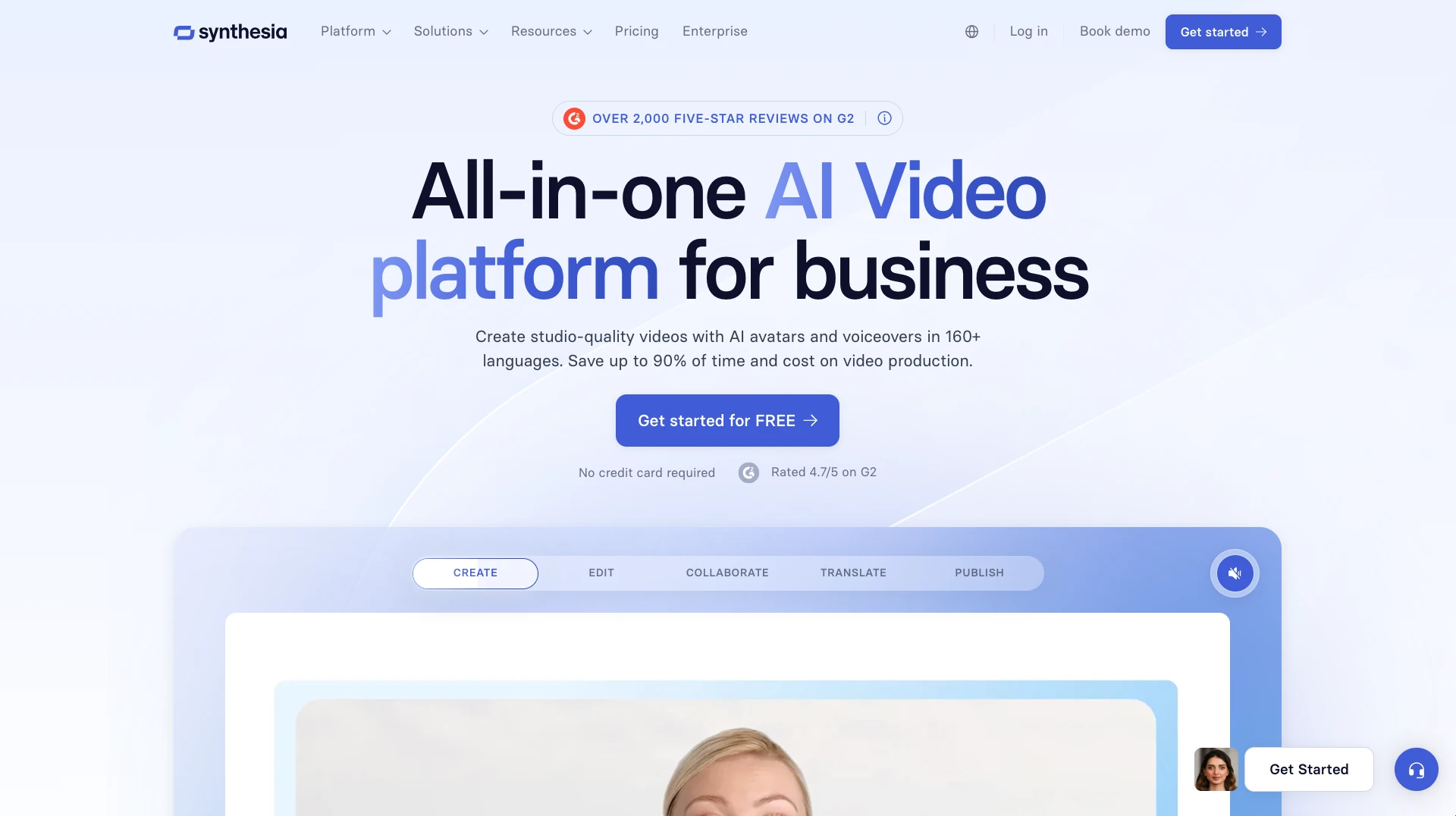
Synthesia focuses on AI avatar videos, making it useful for presenter-style explainers, onboarding messages, and generic product introductions. AI avatars can add a human touch without requiring real presenters on camera, which helps teams scale content creation.
That said, AI avatar videos are better suited for high-level explanations than for contextual, step-by-step product walkthroughs. For reducing churn, users often need to see real screens and actions inside the product. AI avatars work best when paired with screen-based tutorials rather than used alone for hands-on support.
Pricing: Free plan available. Paid plans start at $18/month.
5. Trainn
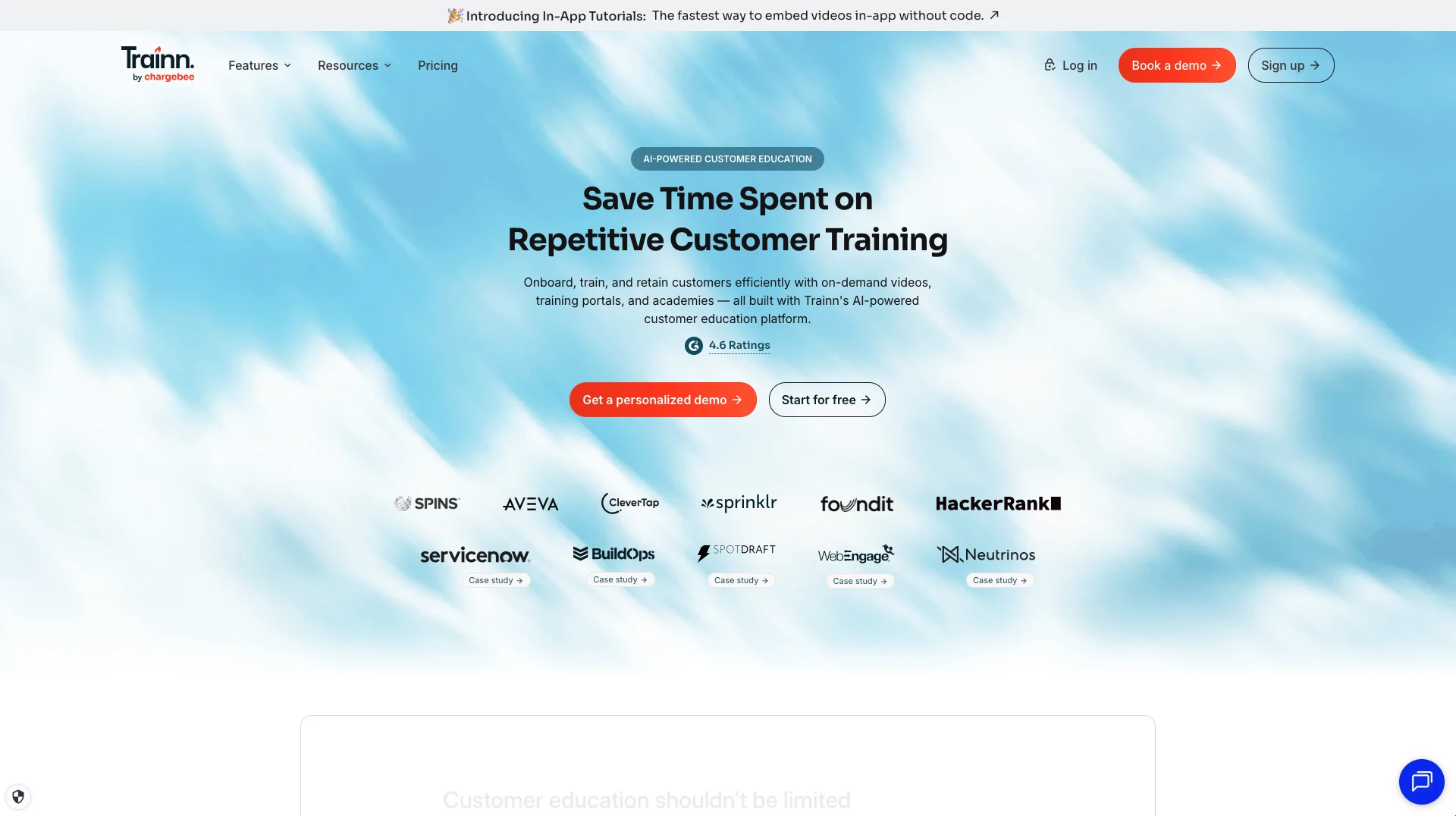
Trainn is designed more for structured learning and formal training programs. It works well for organized onboarding modules and team training content. For churn reduction in SaaS, where users need just-in-time video tutorials embedded at friction points, Trainn may feel heavier than tools designed for contextual support and in-app guidance. It’s more suitable for planned learning paths than for reactive, product-led support experiences.
Pricing: Starts at $2,400/year (Launch plan). No free plan — 14-day free trial available.
Best practices for retention-driven Customer Service Videos
- Keep videos short and focused on one task or problem.
- Place videos exactly where users face friction—in-app, help center, onboarding flows.
- Use clear, step-by-step visual guidance instead of long explanations.
- Make videos easy to update as your product evolves.
- Organize videos into a searchable library so users can find answers quickly.
- Add keyword-rich titles and descriptions to each video to improve discoverability (both in-product and in search engines).
Turn customer service into a retention engine
Customer service videos are more than support assets—they’re retention tools. By guiding users through onboarding and everyday tasks, they help customers succeed faster and keep finding value in your product. Tools like WowTo make it easy to build and maintain a video library that grows with your product. Every video you create today is an investment in long-term customer retention.
Don’t wait for support tickets to pile up. Sign up for WowTo and start creating proactive customer service videos that drive retention.
Frequently Asked Questions About Customer Service Videos
What is a customer service video?
A customer service video is a short, focused visual guide that helps users complete a task, resolve an issue, or get more value from a product. They are typically embedded in help centers, onboarding flows, or delivered in-app at key friction points.
How do customer service videos improve retention?
Customer service videos improve retention by reducing friction at critical moments, speeding up onboarding, boosting feature adoption, and building user confidence—all of which reduce the likelihood of churn.
What types of customer service videos are most effective?
The most effective types include onboarding walkthroughs, task-based how-to guides, troubleshooting videos, feature explainers, and post-support follow-up recaps.
How long should a customer service video be?
For most support and onboarding contexts, videos should be between 60 and 180 seconds. Short, focused videos outperform long explainers because users are more likely to watch them to completion and act on what they see.
What's the best tool for creating customer service videos?
The best tool depends on your use case. WowTo is purpose-built for creating guided, step-by-step customer service videos that integrate with help centers and in-app guidance systems, making it an ideal choice for SaaS teams focused on retention.
