How Software Tutorial Videos Reduce Support Tickets

According to Wyzowl's State of Video research, 44% of people say they would rather watch a short video than read an article when they want to learn how something works. That single preference is quietly reshaping how software companies handle support. Teams that used to answer the same "how do I…" question dozens of times a week are now watching that question disappear before it ever becomes a ticket, simply because a short software tutorial video was sitting in front of the user at the exact moment they got stuck.
This shift is largely why WowTo and similar platforms have found a place inside modern support and customer success workflows. In general terms, WowTo helps teams turn everyday screen recordings into AI-voiced, searchable software training videos that customers can browse the same way they'd search a help center, without a support team having to script, narrate, or edit anything by hand. This article looks at exactly how customer support videos cut ticket volume, what kinds of videos work best, how to avoid the mistakes that quietly undermine a video library, and how to build one that keeps paying off as your product grows.
Why support tickets keep piling up
Most support teams already have written support documentation: help center articles, FAQs, maybe a PDF guide buried in an onboarding email. Yet tickets keep coming in for the same handful of issues. There are a few reasons for this. Long articles get skimmed, not read. Screenshots go stale the moment a button moves. And software, by nature, is visual — a paragraph explaining where to click rarely lands as clearly as five seconds of someone actually clicking it.
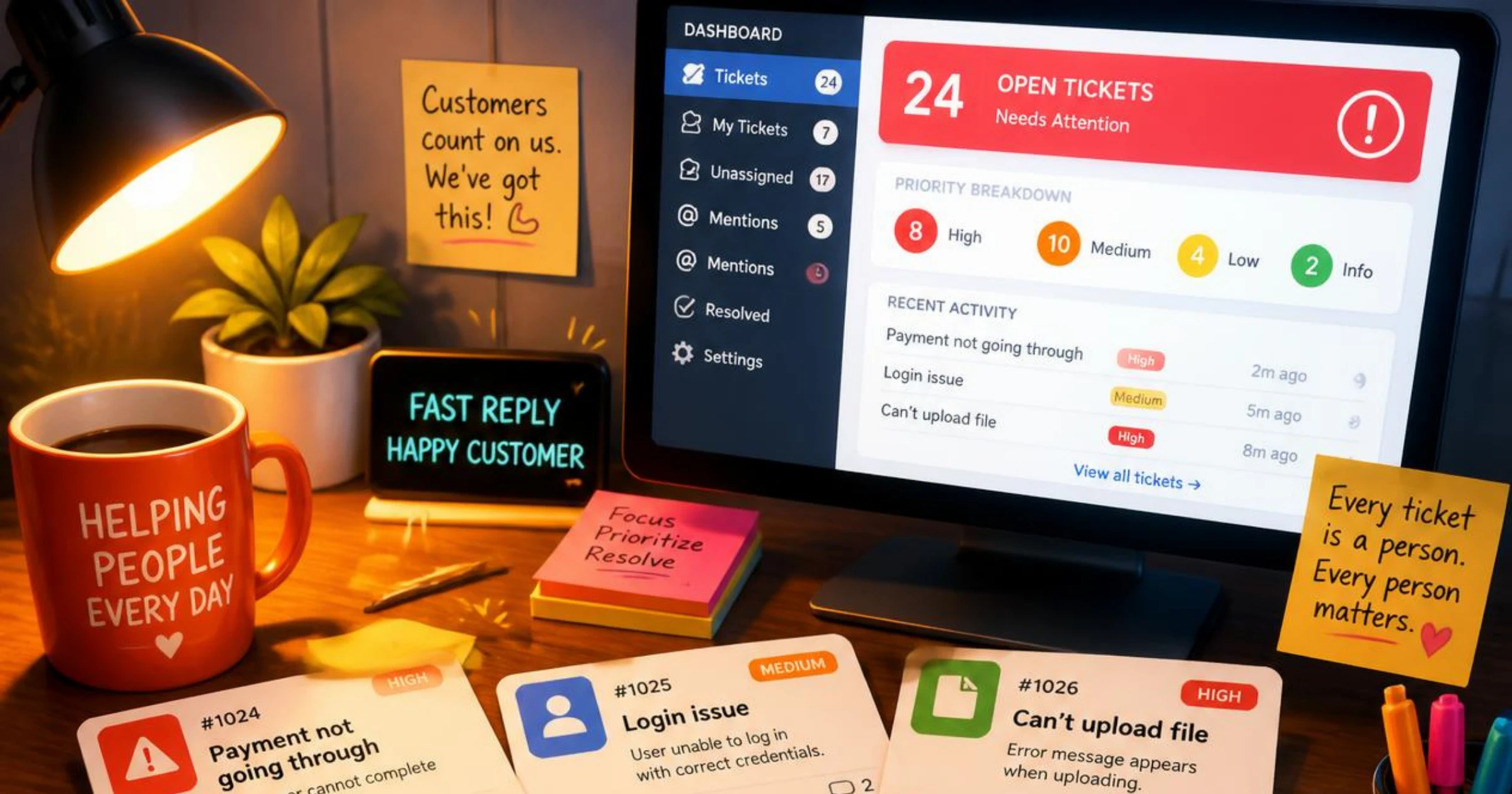
The result is a support queue full of repeat questions that a well-placed video could have answered on the spot. This is the gap that self-service support is meant to close — a pattern covered in more depth in our guide on how to reduce customer support tickets with video tutorials, and video has become one of the most reliable ways to close it.
What software tutorial videos actually are
Software tutorial videos are short, task-focused recordings that show a user exactly how to complete an action inside a product — setting up an account, connecting an integration, exporting a report, fixing a common error. Unlike a marketing demo, they are not trying to sell the product; they are trying to get someone unstuck as fast as possible. Grouped together, they form what's often called a video knowledge base: a searchable library of product tutorial videos organized around the tasks users actually try to do, rather than the way engineering teams think about features.
Where video tutorials fit in the support funnel
Most support requests move through a predictable path: a user hits friction, tries to find an answer on their own, and only opens a ticket if that search fails. Software tutorial videos work best when they sit inside that self-help step rather than after it. Placed in the product itself, in a help center search result, or linked from an automated chatbot reply, a tutorial can resolve the issue before a ticket ever gets created. Placed only in a rarely-visited resources page, the same video does far less work, because it depends on the user finding it rather than the video finding the user.
This is also where product tutorial videos tend to outperform static documentation in the first place: they are easier to surface contextually, since a short clip can be embedded directly next to the button or setting it explains, instead of sending the user away to a separate article.
How software tutorial videos reduce support tickets
There are a handful of concrete mechanisms behind the drop in ticket volume once a team invests in video.
They answer repetitive questions before they are asked
A large share of any support queue is made up of the same five or ten questions, asked in slightly different words. Once those answers exist as short help videos for software, they can be linked directly inside the product, in onboarding emails, or on the relevant help article, so the user finds the answer before they think to open a ticket at all.
They shorten user onboarding
New users generate a disproportionate number of tickets simply because everything is unfamiliar. User onboarding videos that walk through first-time setup reduce the number of "how do I get started" tickets and help users reach a working setup on their own, without waiting on a reply.
They build a searchable video knowledge base
A single video only helps one person at a time unless it's discoverable. Organized into a video knowledge base, tutorials become something users can search the same way they'd search Google, which is exactly the behavior most people default to before they contact a company at all. As the library grows, scaling a video knowledge base without rebuilding it becomes the harder problem to solve, since structure matters as much as content once hundreds of tutorials are involved.
They cut down on back-and-forth for complex workflows
Multi-step processes — configuring permissions, migrating data, setting up billing — are hard to explain in text without generating follow-up questions. A video shows the whole sequence in order, which means fewer clarifying replies for an agent to write and fewer chances for a user to misread a step.
They support self-service across time zones
Video tutorials don't clock out. A user in a different time zone who hits a snag at 11 p.m. can still solve it themselves, instead of opening a ticket and waiting until the next business day for a reply.
Types of software tutorial videos worth creating
Not every video needs to be a polished production. Most support-focused libraries are built from a mix of the following:
- Onboarding walkthroughs that cover first-time account setup
- Feature-specific how-to videos for individual actions or settings
- Troubleshooting videos for the most common error messages
- Short release-update videos when a feature changes
- FAQ-style videos answering the questions support hears most often
Most teams don't need every category on day one. A useful starting point is to pull the last month of support tickets, group them by topic, and turn the five most common threads into customer education videos first — our guide on creating product demo videos for support teams walks through that process in more detail. This approach targets the exact questions already costing the team the most time, rather than guessing at what users might need.
Best practices for videos that actually reduce tickets
A tutorial library only reduces tickets if people can find and trust it. Getting the recording itself right matters too — see our notes on creating effective screen capture videos for support teams — but beyond production quality, a few practices make the biggest difference:
- Keep each video focused on one task, ideally under two minutes
- Record the real product interface rather than staged mockups
- Organize the library by task, not by internal feature names
- Add captions and a written summary for accessibility and skimming
- Embed the video at the point of need — in-app, in the help center, and in email replies
- Review and re-record videos whenever the interface changes, so the library doesn't go stale
Mistakes that quietly undermine a video library
A video library can exist for months and still fail to move ticket numbers. Usually it's one of these issues:
- Videos are too long, so users abandon them before reaching the answer
- The library has no search or category structure, so nothing is easy to find
- Videos aren't linked anywhere near the point of confusion inside the product
- Old videos show an outdated interface, which erodes trust in the whole library
- Nobody owns upkeep, so new features never get a tutorial at all
Most of these are process problems rather than content problems, which is why they're usually fixed by assigning clear ownership of the video knowledge base rather than by producing more videos.
How to measure the impact on support volume
To know whether a video library is working, track it against support metrics rather than view counts alone. Watch for a drop in tickets tagged to the topics a video now covers, a lower rate of repeat questions on the same issue, and shorter average resolution times when agents start linking videos in their replies instead of typing out steps. Comparing ticket volume for a topic before and after publishing its tutorial is usually the clearest signal of whether customer education videos are actually reducing support requests.
A simple deflection rate is often the easiest number to report to a wider team: take the number of times a tutorial video was viewed for a given topic, and compare it against how many tickets on that same topic came in before the video existed. A meaningful drop is a strong signal the video is doing its job; little to no change usually means the video needs to be shorter, easier to find, or placed closer to where users actually get stuck. For teams that want to go further, measuring customer understanding with video analytics can show exactly which moments in a tutorial cause users to drop off or rewatch, which is often the first sign a video needs to be reworked.
Conclusion
Support tickets rarely drop because a team works faster — they drop because fewer users need to ask in the first place. Software tutorial videos get users unstuck at the exact moment they hit friction, which is what turns a growing ticket queue into a shrinking one. Building that library doesn't need to mean months of production work; it can start with recording the answers to whatever questions your support team already hears every week, then expanding the library as new patterns show up in the ticket queue.
The teams that see the biggest drop in tickets tend to treat their tutorial library as a living part of the product rather than a one-off project — reviewed on a schedule, linked in the right places, and updated the moment the interface changes. For a broader look at how video fits into training beyond support, our training and development resource hub covers the wider picture.
Ready to turn your support answers into a searchable video library? Create your free WowTo account and publish your first tutorial today.
