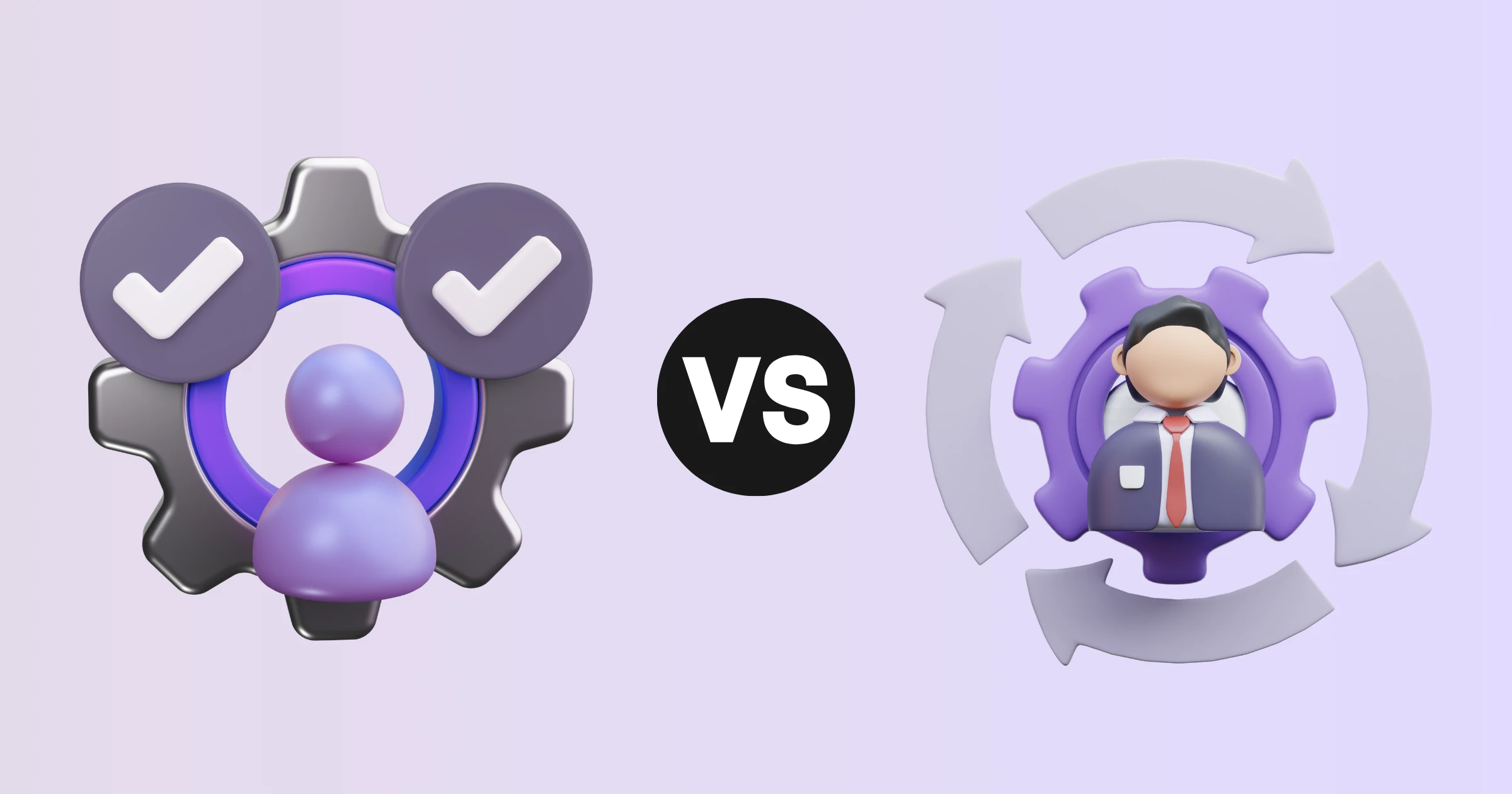
The pressure on organizations to develop talent from within has never been more urgent. According to the World Economic Forum's Future of Jobs Report 2025, 85% of employers plan to prioritize upskilling their workforce over the next five years. For HR leaders and L&D teams, this raises a practical question: when does a workforce challenge call for upskilling, and when does it call for reskilling?
The distinction matters because each strategy needs a different approach to employee training programs, content, and measurement. This guide covers what each term means, where they diverge, and how video training supports both — consistently, at scale, and without overburdening the teams building the content.
Upskilling vs reskilling: what each term actually means
These two terms are often used interchangeably, but they describe different workforce challenges and require different responses.
What is upskilling?
Employee upskilling means deepening or expanding the skills an employee already uses in their current role. The employee stays in the same position — but their role evolves, the tools change, or performance expectations rise- so the training is designed to close that gap. A marketing analyst learning to work with AI-driven analytics tools is upskilling. A customer support agent learning how to handle more complex escalations is upskilling. The job stays; the skill level advances.
What is reskilling?
Employee reskilling prepares someone for an entirely different role — usually because their current position is being automated, restructured, or made redundant. A data entry specialist retraining as a data quality reviewer is reskilling. A call centre agent transitioning into chatbot management is reskilling. The person stays with the organization, but the job changes significantly.
Reskilling is typically more intensive than upskilling because it requires learning a broader, unfamiliar skill set rather than building on an existing foundation. It also tends to carry a higher urgency, since the alternative for the organization is often an external hire — and for the employee, potential redundancy.
Where the two strategies overlap
In practice, most organizations need both at the same time. Some roles require incremental upskilling to stay relevant; others are changing so fundamentally that reskilling is the only viable path. The distinction is less about choosing one or the other and more about identifying which challenge is in front of you — so that the training content, duration, and support structure are designed accordingly.
Both strategies fall under the broader discipline of workforce development and
corporate training. What differs is the scope, the timeline, and the learner's starting point.
Why video training works for both strategies
Video-based learning for workforce development addresses the core delivery challenge that both upskilling and reskilling share: how do you train employees consistently, at scale, without pulling trainers away from their primary work or scheduling live sessions that half the team cannot attend?
The answer for most modern organizations is structured video training — short, on-demand modules that employees can access when and where they need them, reviewed and updated as roles or tools change.
Consistency across locations and teams
One of the most underappreciated advantages of
corporate video training for employee development is consistency. A live training session delivered by a manager produces a different outcome depending on who delivers it, how much time is available, and whether the employee happens to ask the right questions. A training video delivers the same instruction every time — to every new hire, every team member transitioning into a new role, and every remote employee in a different time zone.
For reskilling programs in particular, this matters. When employees are learning fundamentally new skills, variation in delivery leads to variation in competence. Consistency in the training content is what produces consistency in outcomes.
On-demand access supports the pace of change
Upskilling and reskilling rarely happen on a convenient schedule. A tool changes mid-quarter. A new process rolls out while half the team is on leave. A regulation update requires rapid retraining across multiple departments. Video training works precisely because it does not require coordination — employees can access it when the need arises, not when the training calendar allows.
This is why
how-to videos and process walkthroughs have become a default format for both upskilling content (new tool features, updated workflows) and reskilling content (onboarding into a new function, learning an unfamiliar system).
Lower production overhead enables more frequent updates
Short-form video modules — typically two to five minutes covering one skill or process — can be updated quickly when the underlying content changes. For upskilling and reskilling programs that need to stay current, that agility is what makes the format sustainable.
How to structure video training for upskilling vs reskilling
The content structure for upskilling and reskilling programs differs in depth, scope, and starting-point assumptions. Understanding how to sequence video training for each helps L&D teams build content that employees can actually complete and use.
Structuring video training for upskilling
Upskilling content can assume a working baseline. The employee already understands the role, the context, and the surrounding systems — the training only needs to address what has changed or what needs to be deepened. This makes upskilling modules well-suited to short, targeted video formats.
A practical structure for video-based upskilling looks like this:
- Context video: a brief overview of why the skill or tool is changing and what the employee will be able to do after the training.
- Skill walkthrough: a demonstration of the new process, feature, or technique — ideally using the actual tool or system the employee will use.
- Application example: a worked example showing the skill applied to a real scenario the employee will encounter in their role.
- Reference module: a short video the employee can return to when they need a reminder — particularly useful for infrequently used processes or tools they encounter only occasionally.
Structuring video training for reskilling
Reskilling content cannot assume the same baseline. The employee is learning in unfamiliar territory, so the training needs to move more slowly at the foundation level before building toward role-specific competencies. Longer programs, broken into short modules, work better than single long-form sessions.
A practical structure for video-based reskilling looks like this:
- Foundation layer: core concepts and terminology that the employee needs before any specific skill training makes sense. For a call centre agent moving into data analysis, this means introducing analytical thinking and data literacy before any tool-specific content.
- Role-specific skill modules: sequential video walkthroughs of the key tasks in the new role, ordered from most foundational to most complex.
- Scenario-based modules: videos showing how the skills apply in real situations the employee will encounter in the new role — not just what to do, but when and why.
- Support library: an accessible reference collection the employee can return to throughout their first weeks in the new role, reducing the support burden on managers and colleagues.
Building and delivering training content without a production bottleneck
One of the practical barriers to running ongoing upskilling and reskilling programs is content production. When creating a training video requires booking studio time, coordinating with a videographer, or waiting on an external agency, programs stall — particularly when the skill requirement is urgent or the content needs frequent updates.
That's the gap WowTo was built to close. Our video knowledge base platform lets your L&D team and subject matter experts record screen walkthroughs, add AI voice narration in multiple languages, and publish training content into a hosted library — all without external production support. You can build a module, publish it the same day, and update it the moment a process changes. For organizations running continuous upskilling and reskilling programs, speed matters.
Organizing training videos by role, topic, or skill level and making them accessible on demand is particularly well suited to both upskilling and reskilling delivery, because employees can find the specific module they need rather than sitting through a full course to reach the relevant content.
Measuring whether your training is working
Both upskilling and reskilling programs need measurement to be credible. The metrics differ slightly depending on the goal, but the underlying principle is the same: training should produce a measurable change in what employees can do, not just a record of what they watched.
For upskilling programs, useful signals include:
- Performance change: Can the employee now complete the upskilled task faster, more accurately, or without support?
- Support ticket reduction: If the upskilling covers a tool or process, do questions about that topic decrease after training?
- Rewatch rate: modules with high rewatch rates are either genuinely useful as reference or unclear in their initial explanation — both signals worth acting on.
For reskilling programs, useful signals include:
- Time to competency: how quickly does an employee transitioning into a new role reach acceptable performance? Training that works shortens this window.
- Completion rate: structured reskilling programs need high completion rates to produce consistent outcomes. Low completion points to content length, sequencing, or relevance issues.
- Manager assessment: for complex role transitions, a structured observation of the employee applying skills in context is often more meaningful than a quiz score.
Conclusion
Upskilling and reskilling are not competing strategies — they are complementary responses to different workforce challenges. Upskilling keeps employees competitive in roles that are evolving; reskilling prepares them for roles that are fundamentally changing. Both require structured, accessible, and regularly updated training content to deliver results.
Video training meets the practical demands of both — consistent instruction at scale, self-paced learning, and quick updates as skill requirements change. WowTo makes that format easy to build and maintain, without a production bottleneck slowing you down.
Ready to build training content that actually gets completed?
Sign up for free with WowTo and see how quickly a scalable upskilling and reskilling program comes together.